
AI and preschool: more than just screens
Most parents and teachers I know are exhausted. Between work and dinner, finding a way to keep a four-year-old busy without just 'parking' them in front of a screen is a constant battle. AI doesn't have to be a robot replacement for a teacher; it's better seen as a set of tools that handles the repetitive stuff so we can focus on actually playing with the kids.
The idea of artificial intelligence in early childhood can feel daunting. Concerns about screen time, data privacy, and the potential for technology to replace human interaction are valid. This article isn't about advocating for a fully automated preschool experience. Instead, we’ll explore how thoughtfully designed AI tools can support learning, spark creativity, and ease some of the burdens faced by both parents and teachers.
We'll be focusing on tools specifically built with young children in mind, prioritizing safety, educational value, and alignment with developmental milestones. There’s a lot of hype around AI right now, so we’ll aim for a grounded, realistic look at what’s available and what to consider before introducing these technologies to your little one. I think a cautious but open approach is the best way forward.
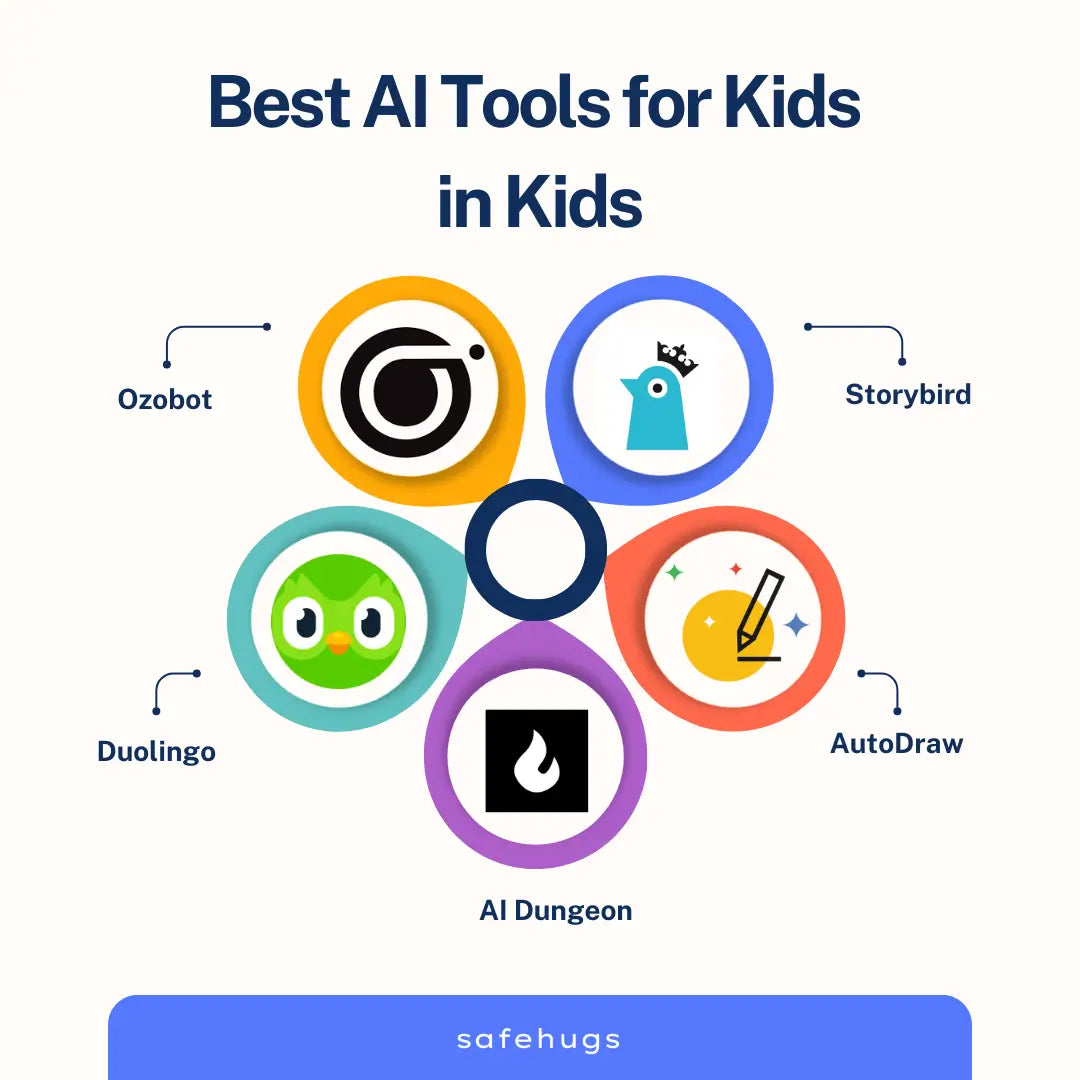
10 tools for young learners in 2026
These ten tools are currently the most reliable options for 2026. Privacy policies change fast, so check the settings yourself before handing the tablet over.
1. Khan Academy Kids: While not solely AI-driven, Khan Academy Kids utilizes adaptive learning technology to personalize the learning experience for children ages 2-8. It covers literacy, math, and social-emotional development. Data collection is limited to usage data for personalization and improving the app; they state they do not sell personal information. It is COPPA compliant.
2. Duolingo ABC: Designed for children ages 3-6, Duolingo ABC focuses on early literacy skills. The app uses speech recognition to help children learn phonics and reading. Duolingo’s privacy policy states they collect usage data and device information, but prioritize user privacy and are COPPA compliant.
3. ABCmouse: A comprehensive early learning program for ages 2-8, ABCmouse incorporates AI to adapt to a child's learning pace. It covers reading, math, science, and art. ABCmouse collects data on a child's progress to personalize learning, but requires parental consent and adheres to COPPA guidelines.
4. Epic!: A digital library with over 40,000 books for kids 2-12. Epic! uses AI-powered recommendations to suggest books based on a child’s reading level and interests. They collect reading history to improve recommendations and state they comply with COPPA.
5. CleverBooks: This app uses augmented reality and AI to bring storybooks to life. Children can interact with characters and objects in the stories, fostering imagination and language development. CleverBooks states they collect minimal personal data and are COPPA compliant.
6. Kidlo: A collection of stories, songs, and rhymes for preschoolers. Kidlo uses AI to suggest content based on a child’s preferences. They collect usage data for personalization and state they adhere to COPPA.
7. Lingokids: This app focuses on English language learning for children ages 2-8. Lingokids uses AI-powered games and activities to make learning fun and engaging. Their privacy policy details data collection for personalization, but emphasizes COPPA compliance.
8. Thinkrolls Space: A puzzle game that encourages problem-solving skills. The game adapts to a child's skill level using AI. Avokiddo, the developer, states they collect minimal personal data and are COPPA compliant.
9. PlayShifu Orbo: This is a physical toy that combines traditional play with augmented reality and AI. Children interact with physical pieces, and the Orbo responds with interactive stories and games. Data collection is limited to usage data for improving the experience; it doesn't require an ongoing internet connection for core functionality.
10. Osmo Coding Starter Kit: While not purely AI, Osmo uses computer vision to understand a child’s physical actions and translate them into code. This introduces coding concepts in a fun and accessible way. Osmo collects usage data to improve the experience and states they adhere to COPPA guidelines.
AI-Assisted Preschool Learning Tools: A Comparison
| Skill Focus | Age Range | Data Privacy Rating | Cost | Offline Access |
|---|---|---|---|---|
| Literacy & Phonics | 3-5 years | Medium | Subscription | No |
| Early Math Concepts | 4-6 years | High | Free | Yes |
| Creative Storytelling | 3-5 years | Medium | Free/Subscription | No |
| Social-Emotional Learning | 2-4 years | High | Subscription | Yes |
| Problem Solving & Logic | 4-6 years | Medium | Free | No |
| Art & Music Exploration | 3-5 years | Low | Free | Yes |
| Science Exploration | 5-6 years | Medium | Subscription | No |
Illustrative comparison based on the article research brief. Verify current pricing, limits, and product details in the official docs before relying on it.
New ways to tell stories
AI is opening up exciting possibilities for storytelling with young children. Tools like Storybird (though designed for older children, some elements could be adapted with adult guidance) and newer apps are allowing children to become active participants in the narrative process. These tools go beyond simply reading a story; they empower children to create and shape their own.
Several apps now allow children to input keywords or ideas, and the AI will generate a unique story based on those prompts. Others let children "direct" animated stories, choosing character actions and plot points. This is fantastic for language development, as children are encouraged to think about plot, character, and setting. It also fosters creativity and imagination.
I'm particularly intrigued by tools that adapt the story based on a child's responses. For example, an app might ask 'What should the character do next?' and then weave the child’s answer into the ongoing narrative. This level of interactivity can make storytelling a truly engaging and personalized experience.
Personalized Learning Paths
One of the biggest promises of AI in education is the ability to personalize learning. AI can analyze a child’s performance on activities and identify areas where they might be struggling or excelling. This information can then be used to suggest supplemental activities or adjust the difficulty level of future tasks.
However, it’s crucial to remember that AI should supplement a teacher’s assessment, not replace it. A teacher’s understanding of a child’s individual needs, learning style, and social-emotional development is invaluable. AI can provide data points, but it can’t provide the nuanced understanding that a human educator can.
Think of AI as a tool to help teachers differentiate instruction more effectively. If a child is consistently struggling with letter recognition, an AI-powered app might offer extra practice with that skill. Conversely, if a child is mastering concepts quickly, the app might present more challenging material.
- Identify areas where the child needs extra support.
- Suggest personalized activities to reinforce concepts.
- Adjust the difficulty level of tasks based on performance.
- Provide data to teachers to inform their instruction.
Keeping data safe
Data privacy is paramount when it comes to children’s technology. The Children's Online Privacy Protection Act (COPPA) is a US law that gives parents control over what information is collected from their young children online. Essentially, websites and apps must get verifiable parental consent before collecting, using, or disclosing personal information from children under 13.
Before letting your child use any AI-powered tool, ask these questions: What data is being collected? How is that data being used? Is the company COPPA compliant? Is there an option to delete your child’s data? Read the privacy policy carefully – it’s often lengthy, but it’s essential to understand how your child’s information is being handled.
Be wary of apps that require excessive personal information, such as a child’s full name, school, or address. Look for apps that prioritize privacy and offer clear and transparent data collection practices. It's also a good idea to supervise your child’s use of these tools, especially in the beginning, to ensure they are engaging with the content appropriately. While COPPA is a good start, remember it's still a good idea to be proactive about protecting your child’s digital footprint.
- Read the privacy policy to see if they actually delete data when you ask.
- Understand what data is collected.
- Verify COPPA compliance.
- Supervise your child’s usage.
Beyond the Screen: AI in Physical Play
AI isn’t limited to apps and websites. We're seeing a growing number of physical toys that incorporate AI technology. These toys can offer a more interactive and engaging play experience, encouraging creativity and problem-solving skills. The PlayShifu Orbo, mentioned earlier, is a good example of this trend.
Other examples include interactive robots that respond to a child’s voice and actions, and smart building blocks that can be programmed to perform different tasks. The benefit of these toys is that they don't require constant screen time. They encourage hands-on play while still incorporating elements of technology and artificial intelligence.
I believe this is a promising direction for AI in early childhood. By integrating AI into physical play, we can leverage the benefits of technology without sacrificing the importance of tactile exploration and imaginative play.
No comments yet. Be the first to share your thoughts!