

Beyond the Buzz: AI in Early Childhood
Artificial intelligence (AI) in early childhood education is less about robots and more about tools that support teachers and enhance learning, not replace them.
Preschools have used technology like interactive whiteboards and tablets for years. Today, AI offers faster development and greater personalization.
Concerns about screen time, data privacy, and dehumanizing learning are valid when introducing AI to young children. When used thoughtfully and ethically, AI can support learning and development without turning preschoolers into programmers.
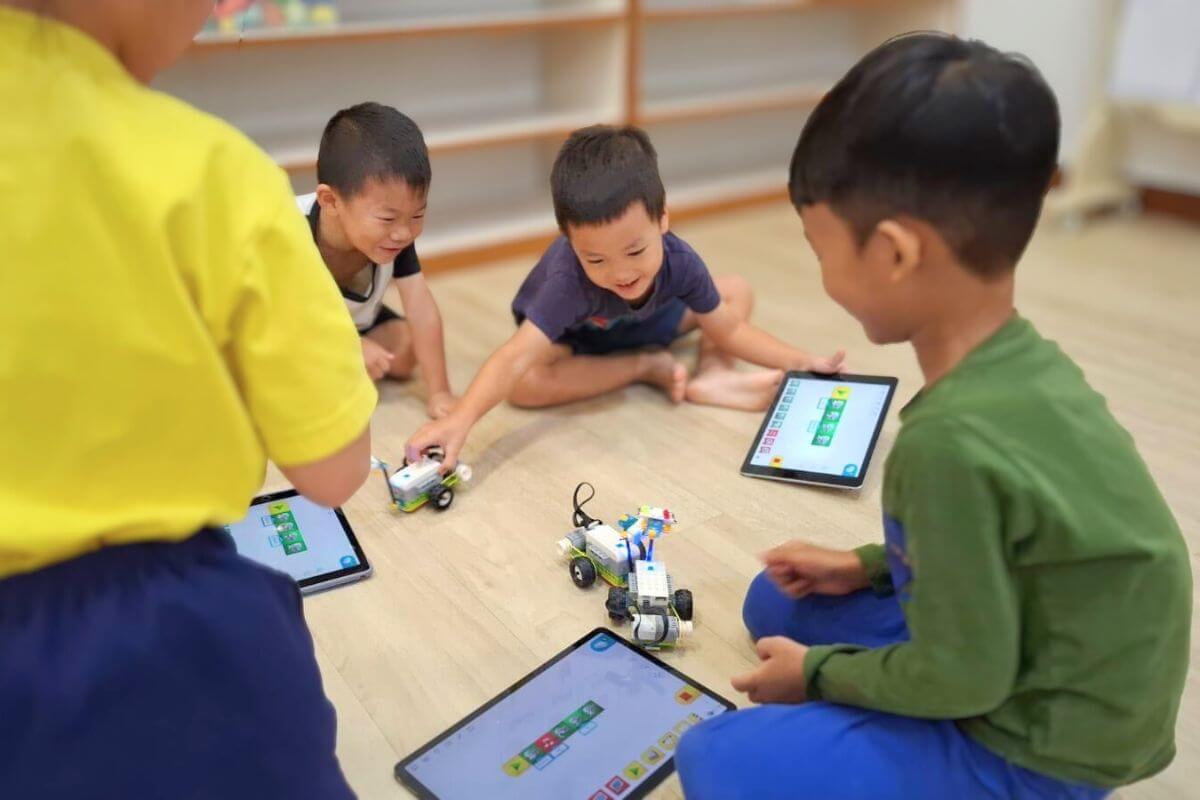
10 Tech-Safe Activities for 2026
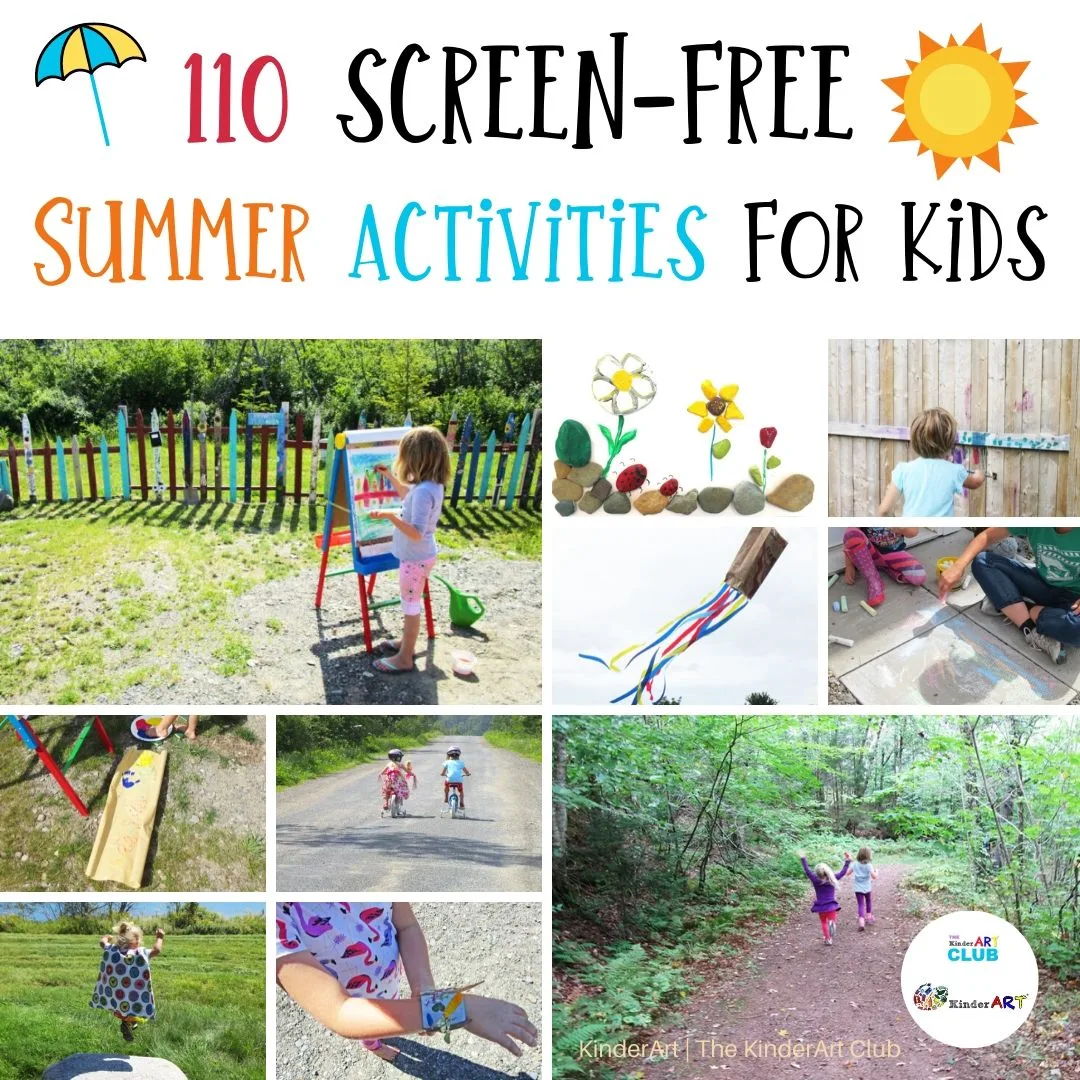
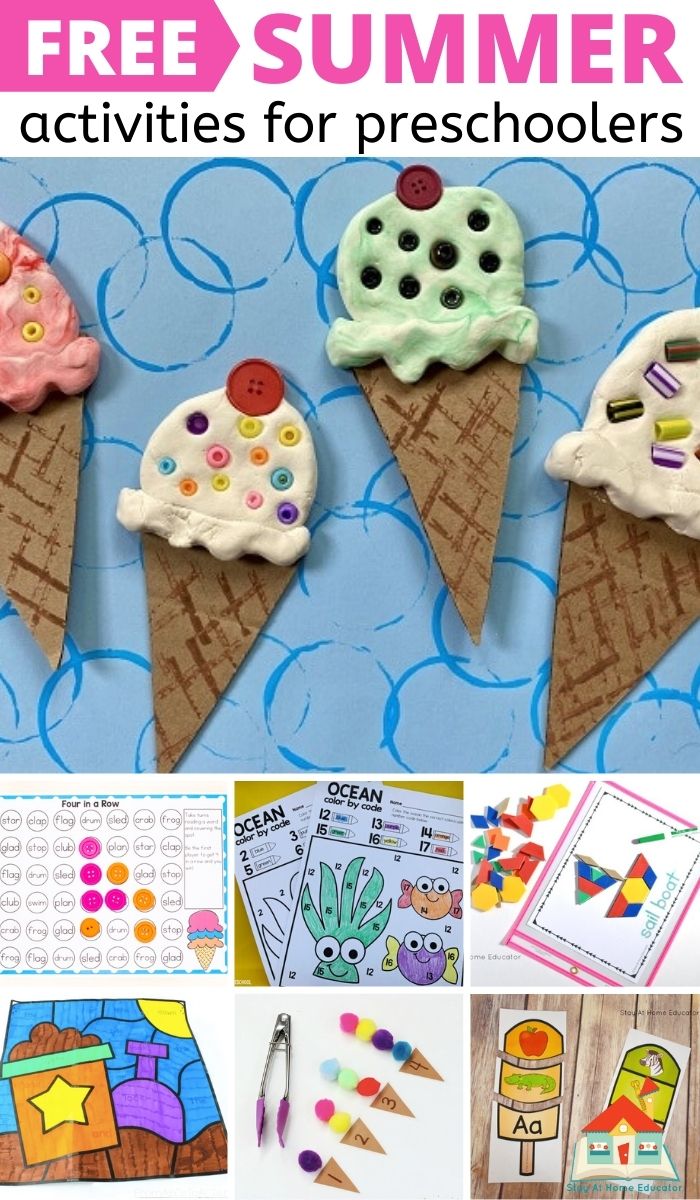
Successful AI integration in preschool means prioritizing developmentally appropriate activities that minimize screen time. The AI often works behind the scenes, so many activities won't appear as 'tech' to a child. Here are ten ideas.
AI Storytelling Prompts: Use a large language model via tablet or computer to generate story starters based on themes like 'friendship' or 'adventure.' The teacher guides children in continuing the story, sparking creativity and language development. The AI serves as an imagination spark, not the author.
Personalized Music Playlists: AI in music streaming services curates playlists based on listening habits. Teachers can use these to create tailored playlists for activities like quiet time, movement, or cultural exploration.
AI-Enhanced Virtual Field Trips: AI can enhance virtual field trips with interactive elements and personalized information based on student interests, such as identifying plants and animals in real-time during an Amazon rainforest exploration.
Smart Building Blocks: Building blocks with embedded sensors respond to a child's creations, offering encouragement or challenges. They track building progress and provide teachers with data on spatial reasoning skills.
AI-Assisted Art Projects: Apps can use AI to transform children's drawings into animations or 3D models, encouraging artistic expression and introducing basic animation concepts.
Digital Storytelling with Voice Cloning: Children record themselves reading a story, and AI creates a digital version using their voice, promoting literacy and building confidence.
Interactive Storybooks: Digital storybooks with AI features ask comprehension questions, define unfamiliar words, and adapt the story to a child's reading level.
AI-Driven Pattern Recognition Games: Games using AI to generate patterns and challenges develop mathematical thinking and problem-solving skills, playable on tablets or projected screens.
Emotion Recognition Games: Some games use AI to recognize facial expressions, helping children learn to identify and understand emotions. These require careful consideration of privacy and significant ethical oversight.
AI-Generated Scavenger Hunts: An AI can generate a tablet-based list of items for a scavenger hunt, tailored to the classroom environment and adjusted for children's age and abilities.
Activity Deep Dive: AI Storytelling Prompts
AI Storytelling Prompts place the child as the author, with AI as a creative springboard. Access to a large language model (like OpenAI’s GPT-4 or Google’s Gemini) is needed, with a dedicated adult present for oversight.
The teacher inputs a theme, like 'a magical forest,' and asks the AI for a story starter, such as 'Deep within the enchanted forest, a tiny mushroom held a secret.' The AI generates options, and the teacher selects one for the children.
Children work together to continue the story, with the teacher guiding them with questions like, 'What happens next?' or 'Who else lives in the forest?' The AI can generate character ideas or plot twists if needed. The AI is a tool for inspiration, not a replacement for imagination.
Example prompts include: 'Generate a character description for a friendly dragon,' 'Give me three possible settings for a story about a lost puppy,' or 'Write a sentence that starts a mystery story.'
- Input a theme or topic.
- Ask the AI for a story starter.
- Select an option and share it with the children.
- Guide the children in continuing the story.
- Use the AI for inspiration as needed.
Coding Concepts Without a Screen
Parents and teachers often worry about excessive screen time. Coding concepts can be introduced to preschoolers without screens using robots like Botley the Coding Robot (Learning Resources) and Cubetto (Primo Toys).
These robots use physical programming interfaces. Botley uses coding cards for sequences (forward, backward, turn right, turn left), which children arrange before pressing 'go.' Cubetto uses wooden blocks for coding instructions.
These activities develop problem-solving, logical thinking, and sequencing skills, aligning with preschool math and technology standards. While not AI-powered, they prepare children to understand the logic that underpins AI systems.
- Botley the Coding Robot: Uses coding cards to control movement.
- Cubetto: Uses wooden blocks to represent coding instructions.
- Develops problem-solving and logical thinking skills.
Screen-Free Coding Robots for Preschoolers: A Comparison
| Robot Name | Age Range | Coding Concepts | Ease of Use | Key Strengths |
|---|---|---|---|---|
| Botley the Coding Robot | Ages 5+ | Sequential commands, looping (limited), object recognition | Relatively easy to learn; uses coding cards. | Good introductory robot with a focus on simple command sequences. |
| Cubetto | Ages 3+ | Fundamentals of programming; sequence, direction, functions | Very tactile; no screen. Requires building the board. | Excellent for very young learners, promotes spatial reasoning and problem-solving. |
| Code-a-pillar | Ages 3-6 | Sequential programming, problem-solving | Simple connection of segments dictates movement. | Encourages experimentation and understanding of cause-and-effect, but limited complexity. |
| Bee-Bot | Ages 5+ | Algorithmic thinking, debugging, directional language | Button-based interface; simple to program. | Durable and widely used in classrooms; good for introducing basic coding vocabulary. |
| Blue-Bot | Ages 5+ | Similar to Bee-Bot, but with more advanced features | Button-based, but offers more programming steps and functions. | Builds upon Bee-Bot skills; provides a slightly more challenging experience. |
| Code & Go Mouse | Ages 5+ | Coding sequences, problem-solving, spatial reasoning | Uses coding cards to direct the mouse through a maze. | Focuses on problem-solving within a defined environment; good for visual learners. |
Qualitative comparison based on the article research brief. Confirm current product details in the official docs before making implementation choices.
AI-Powered Personalized Learning Paths
AI-powered personalized learning paths can analyze a child’s work, like drawings or responses, to suggest tailored activities. While fully realized systems are still evolving, the potential is significant.
These systems provide data-driven insights to inform instruction, not replace teacher judgment. For instance, if a child struggles with shape recognition, the AI might suggest related activities. If a child is interested in dinosaurs, it could recommend relevant books or games.
These tools are emerging for preschools, though more common in early elementary settings. More sophisticated systems are expected, but always prioritize a teacher's assessment of a child's overall development.
Addressing Concerns: Safety and Equity
undefined the privacy policies of any AI-powered tool before using it in the classroom.
Algorithmic bias is another important consideration. AI systems are trained on data, and if that data reflects existing biases, the AI may perpetuate those biases. For example, an AI-powered storytelling tool might generate stories that reinforce gender stereotypes. Teachers need to be aware of this possibility and actively challenge biased outputs.
Equitable access is also a concern. Not all schools and families have the resources to afford AI-powered tools. It's important to ensure that all children have access to the benefits of technology, regardless of their socioeconomic background. This may require schools to provide devices and internet access, or to prioritize low-cost or free AI-powered resources.
Finally, remember that AI is a tool, and like any tool, it can be used for good or for ill. It’s up to educators to use it responsibly and ethically, always prioritizing the well-being and development of the children in their care.
Resources and Further Exploration
For more information on AI in early childhood education, I recommend exploring the resources at The Empowered Educator Online (). Famly also offers valuable insights into using AI for lesson planning ().
And of course, Preschool Playbook has a wealth of information on preschool activities and learning materials (). Don't hesitate to experiment and find what works best for you and your students!
No comments yet. Be the first to share your thoughts!